

Start with the portfolio structure
A residential landlord, an agency managing several owners and a university managing student rooms do not have the same accounting requirements. Record properties, units, legal owners, tenant categories, billing periods and approval responsibilities before comparing software.
Bring one anonymized lease, a rent schedule and a sample owner statement to the demonstration. Identify whether deposits, service charges, utilities and management fees need separate accounts and approval rules.
Test payment exceptions, not only successful payments
Ask the demonstrator to follow a bill from issue to settlement and show the source payment reference. Then test a partial payment, an overpayment, a wrong account reference, a duplicate notification and a reversal. The expected outcome is a traceable ledger and a visible exception queue, not an unexplained balance adjustment.
Confirm the merchant account, payment provider access, reconciliation responsibility and settlement schedule for the proposed deployment. A presentation showing M-Pesa branding is not evidence that your production account is connected.
Review owner funds and statements
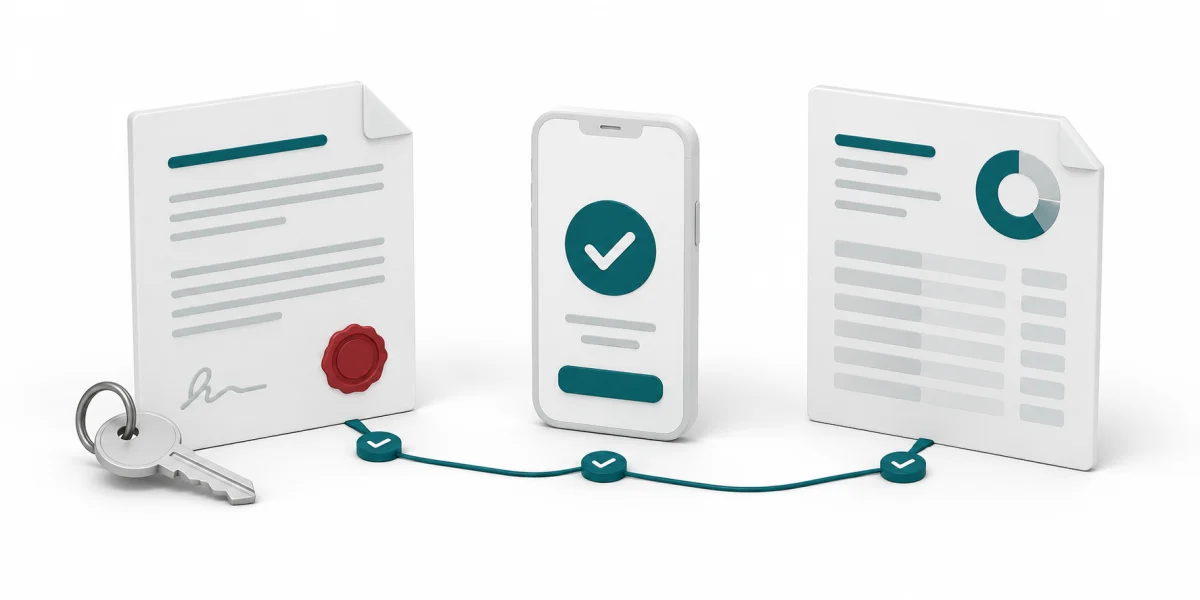
For agency portfolios, test two owners with different fee rules. A statement should identify opening balances, receipts, deposits, management fees, approved expenses and net amounts due without mixing owner funds. Discuss how corrections are approved and how the accounting team reconciles statements with bank settlements.
Owner accounting, automated statements and tenant portals should be demonstrated against the proposed product release and included explicitly in the agreed scope. Do not infer their availability from a generic property dashboard.
Separate invoicing records from tax obligations
Rental tax treatment depends on the taxpayer, activity and applicable rules. Residential and commercial property, withholding-agent obligations and electronic invoicing requirements require separate review. Have your tax adviser confirm the treatment and effective dates.
KRA describes testing and certification steps for system-to-system eTIMS integration. Ask which integration route is proposed and request relevant acceptance evidence. A spreadsheet or invoice export is not itself proof of a certified connection.
Plan migration and acceptance
Agree how tenant balances, deposits, unpaid bills and lease dates will be migrated and reconciled. Run representative transactions before using the system for live collections. Define permissions, support responsibilities and the process for correcting imported records.
Measure outcomes against a baseline: time spent reconciling payments, unresolved exceptions, statement preparation time and balance disputes. Agree a pilot scope and acceptance criteria instead of assuming a percentage increase in collections.
Match the purchase process to the institution
Private businesses and public institutions may follow different approval and purchasing processes. A public university or state corporation should not be treated as a procurement shortcut. Confirm the budget owner, approvals, procurement route and existing contracts before agreeing a commercial timeline.
For a CountyERP enquiry, share your organization type, portfolio size and the workflows you want demonstrated. The resulting proposal should distinguish demonstrated functions, configuration work and external dependencies.
Sources and further reading
Reviewed 10 October 2026. Confirm current instruments and deployment requirements with the responsible specialists.